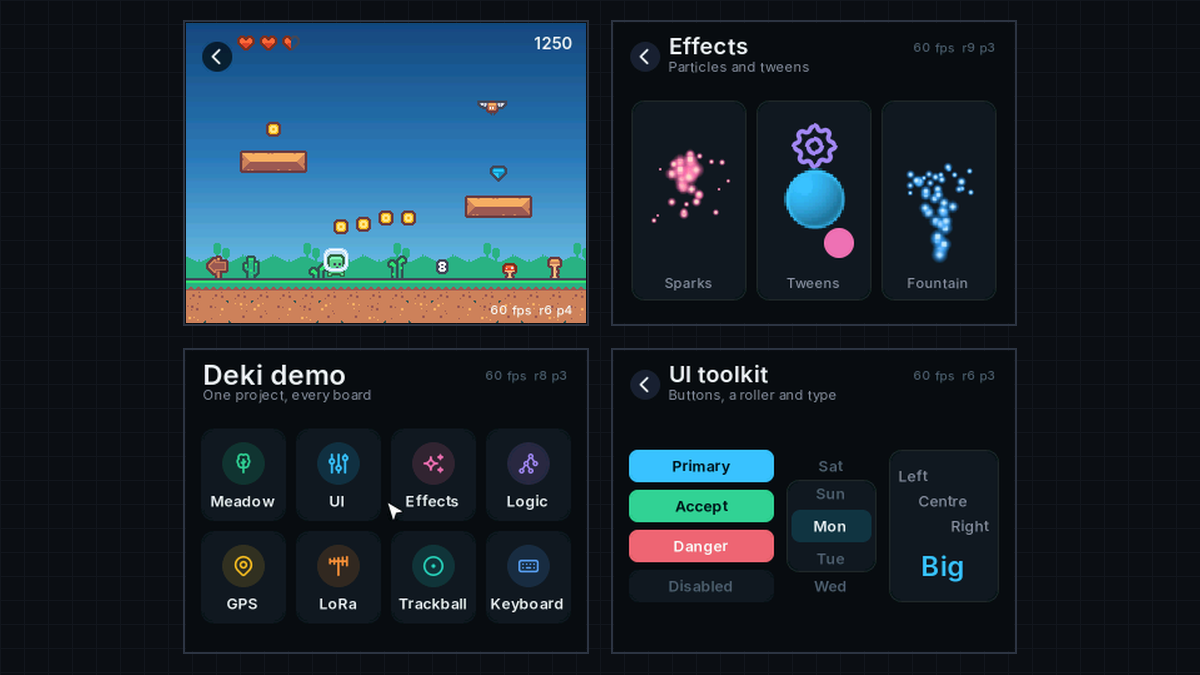
Deki 0.20 is about performance and the screen: how fast a game draws, how smoothly it shows, and how many screens Deki can drive. Every change was measured on two boards we know well, the LilyGO T-Deck Plus and T-Display S3 AMOLED, but the work is in Deki itself, so every board gets it.
Frames that never tear
A screen redraws itself from top to bottom about sixty times a second. If a new picture arrives in the middle of that, you see half of one picture and half of another, with a line between them. It’s called tearing, and it’s most visible when the whole screen changes at once, like when a new scene opens.
Deki now waits for the right moment to send each picture. Many screens have a wire that says when a redraw starts, and Deki follows it. On a board that doesn’t connect that wire, Deki asks the screen where it is in its redraw instead. Either way, every picture arrives whole.
Faster drawing
The things a game draws most got much cheaper: text, colour gradients, images drawn bigger or smaller than they are, and particles. A screen too big to fit in the chip’s fast memory is now drawn a strip at a time inside it, which is far quicker than drawing the whole picture in slower memory. On both test boards, every scene in the demo runs at 60 frames a second.
And when a game asks for 60 frames a second, it now gets exactly 60, not somewhere between 62 and 66.
Deki’s own display library
Deki now talks to screens itself, with a library of its own called deki-display. It drives the screens most hobby boards use: ILI9341, ILI9488, ST7735, ST7789, ST7796, GC9A01 and SSD1351, and two kinds of AMOLED. It works over the common connection types, including the fast parallel ones, and reads touch from the popular touch chips, including the cheap resistive kind.
Both LilyGO boards now run on it, without LovyanGFX. The LovyanGFX package is still there for any screen deki-display doesn’t know yet. The newly added screens were checked against LovyanGFX’s own settings for each one but haven’t run on real boards yet, so if you have one, tell me how it goes onDiscord.
Small fixes you’ll notice
- Scrolling feels right. A list no longer jumps at the start of a swipe, and sideways lists follow your finger.
- Layouts that know the screen’s real size. A board now says how big its screen is in inches, so a game can make things large enough to read and tap on a tiny screen.
- No more ghost on the T-Deck. Its screen kept a faint shadow of the last picture; it’s gone.
- Scenes open cleanly. In some cases a new scene showed one empty frame before it appeared; now it appears straight away.
Less to set
All of this came with new settings, and nobody should have to learn them:
- Pick your board, and it’s tuned. A board package carries the settings its board runs best with.
- The rest chooses itself. When the game starts, the board works out what it can do and picks for itself, and its startup log says what it picked and why.
- Two settings are gone. “Half width framebuffer” and “interlaced” never did anything, so they’re gone.
- A new guide, Making it fast, for when you make a board of your own or want to know why a scene is slow.
Updating
0.20 doesn’t break anything: open your project in the new editor and it
works as before. Update its packages from the Package Manager, or withDekiEditor --packages-update all <project>, to get the changes. If your
project has its own copy of a LilyGO board from before, take Update on
it to move it onto deki-display.
Everything else is in thechangelog.Download the editor here.