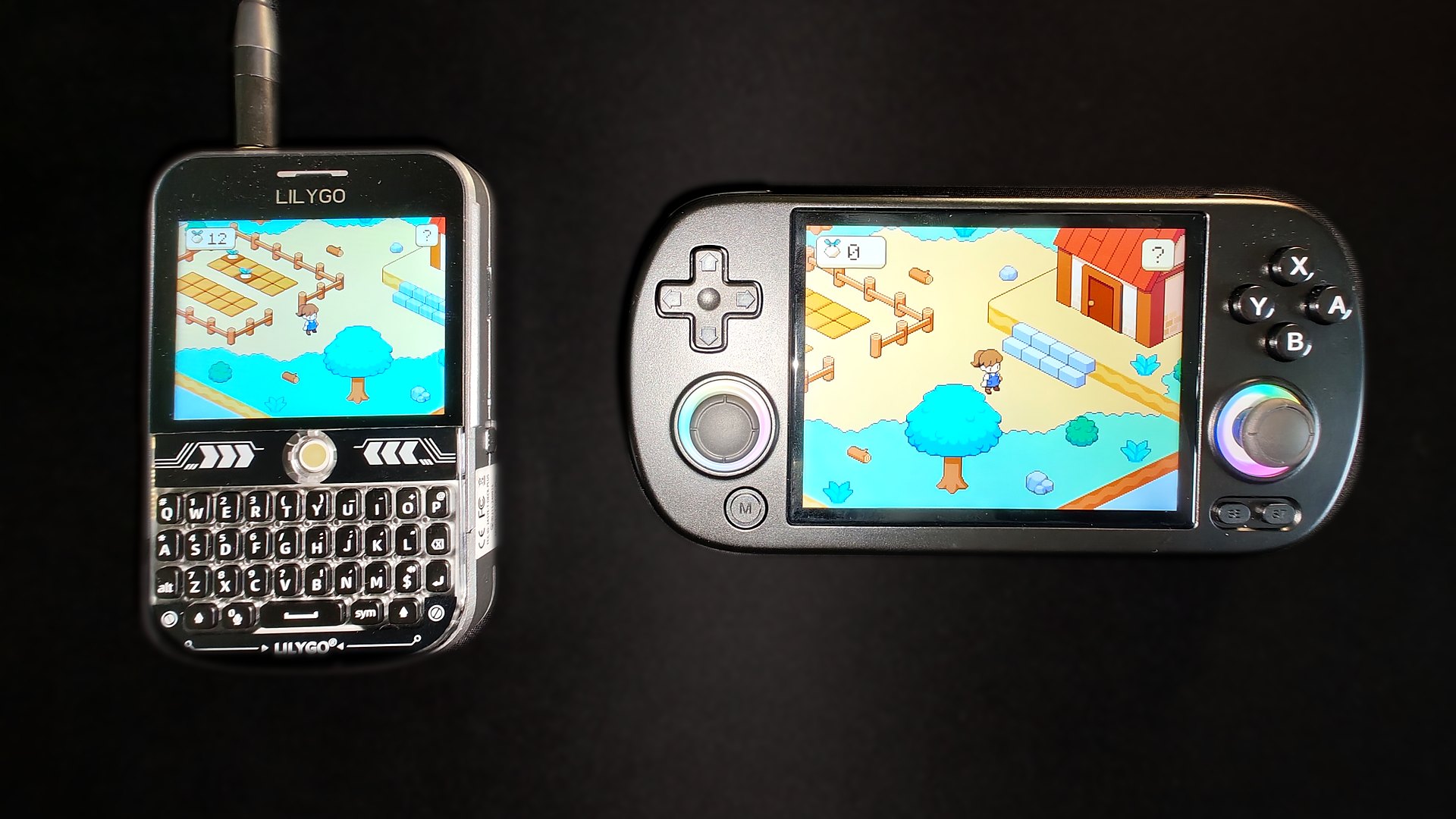
The biggest Deki release yet: a new handheld, a new place to play, a physics engine, and a first game to build from start to finish.
The Anbernic RG40XX H

Thank you to Anbernic, Deki’s newest sponsor, for sending me an RG40XX H. It is a Linux handheld with a 640x480 screen, buttons and two sticks, and Deki now makes games for it.
- Install over Wi-Fi. Give the editor the handheld’s address once, and Install sends the game across. Every file is checked before it replaces the old one.
- Or on the SD card, with its own picture in the Apps list.
- 60 frames a second. The farm in the cover draws at twice its size on the 640x480 screen and runs at a steady 60 fps. It ran at 35 to 47 before this release.
- Both sticks and every button. Games read the sticks as sticks, and the left one also works as the arrow keys.
Gamepads now work everywhere: in the editor’s Play view, in desktop builds and on handhelds.
Play it in a browser
There is a new Web platform. Pick it in the Build panel, press Build & Open in Browser, and your game opens in your web browser. The editor installs what it needs (Emscripten, about 2 GB) the first time.
Try it right here: this is the farm from the guide, built for the web.
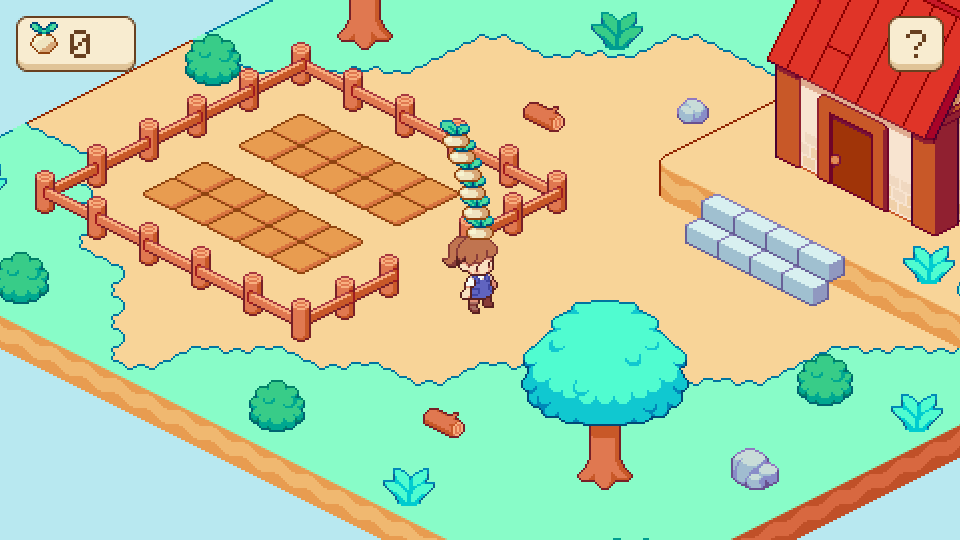
It is the same project as on your boards and the desktop: the same scenes, the same code. The build is a web page with its files, so you can put it on any website and anyone can play, no board needed.
Your first game
A new guide builds Tiny Farm from start to finish. Walk with the keys, the buttons or a tap, plant turnips, pick them when they are ripe, carry them in a wobbly tower and sell them at the barn. The map is drawn in Tiled, and every step and every line of code is explained.
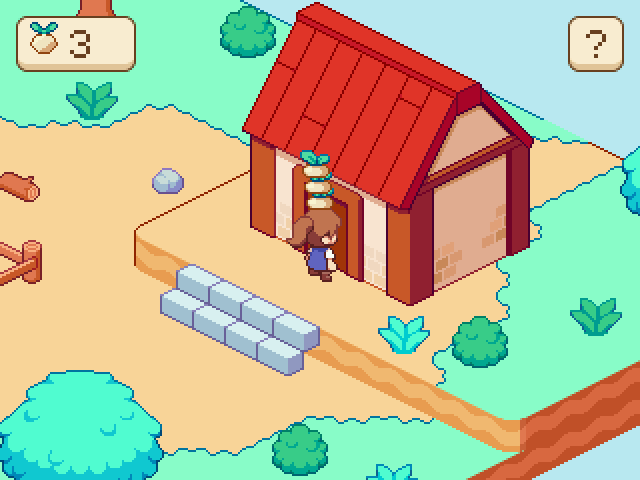
It runs at 60 fps on a LilyGO T-Deck. Start here: Your first game.
2D physics
A new package, deki-physics-2d. Boxes stack, balls roll and bounce, ropes swing and doors turn on hinges.
- Shapes: boxes, circles, capsules and any shape with up to 8 corners.
- Joints: hinges with limits and a motor, distance joints and ropes.
- Triggers, layers and rays, and a message when two things touch.
- The same on every machine. Physics runs on a fixed step, so a game plays the same at any frame rate, and a stack of boxes that stands on your computer stands on an ESP32 too.
- Light enough for a board. On a T-Deck, 30 boxes moving cost 1.6 ms a step. A pile that has come to rest costs almost nothing.
- Edit in the Scene View: colliders and joints are drawn there, with handles to drag their size and corners.
Tiled maps
Maps made in Tiled now come in as you drew them: isometric, hexagonal and staggered maps, objects placed on the map, animated tiles, image layers, group layers, layers that scroll at their own speed, and layers that blend. The farm is one of them.
Smoother on boards
- Scrolling redraws only the new edge. When the camera moves, the last frame is moved with it and only what came into view is drawn. On a T-Deck the farm with 8 villagers walking about went from 20.6 ms to 16.7 ms a frame, the screen’s full 60 fps.
- Pixel art moves smoothly. With Pixel Perfect on, the camera now steps one screen pixel at a time, so a character walking on a map drawn at 2x no longer jitters.
- More memory for your game on ESP32 boards: about 20 KB more internal RAM, and steadier frame times on the ESP32-S3.
3D
glTF models. .gltf and .glb files now load like .obj ones, with
their colours and textures.
The editor
- Update from the project list. When a new version is out, the editor offers it, downloads and checks it, and switches over when you restart.
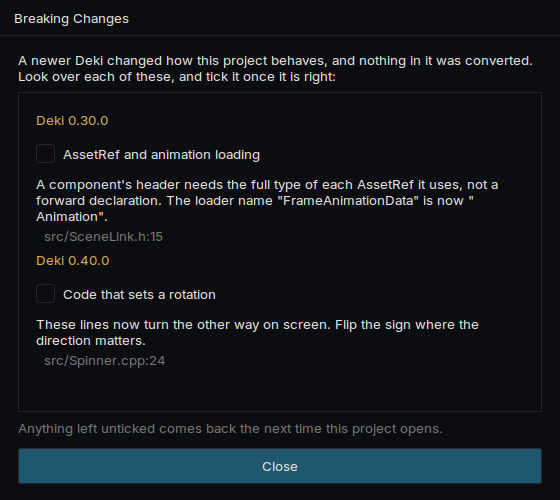
- A checklist when an older project opens. Whatever changed in a way the editor cannot convert gets an entry saying what to do, and points at the scenes and lines of code it affects.
- See what each object costs to draw on a board, measured live.
- Faster to work on: opening a project whose code has not changed takes seconds instead of two minutes.
The documentation
The docs grew a lot for this release:
- New guides. Getting started, from downloading the editor to your code running on a board (also in Japanese, Chinese and Korean); Your first game and Your first app, each built step by step; and guides to components, assets, sprites, text, animation, input, physics and using a device of your own.
- A page for every device: what is set up on it, how to put a game on it, and on a handheld which key each button sends.
- Easier to find your way. The front page and the sidebar group the guides and packages by what they are for, and the API reference opens on a plain list of classes, with the ones most code starts from at the top.
Before you update
Turning now goes counter-clockwise for sprites too, the way children, lights, 3D and physics already turned. If you rotated a sprite by eye, flip the sign of its rotation. The checklist above shows you where.
Every package moves to 0.40. Update them all from the Package Manager.
Credits
Tiny Farm’s art is the Simple Cozy - Farm Asset Pack by Aibyzz, and its font is monogram by Vinícius Menézio. Thank you both.