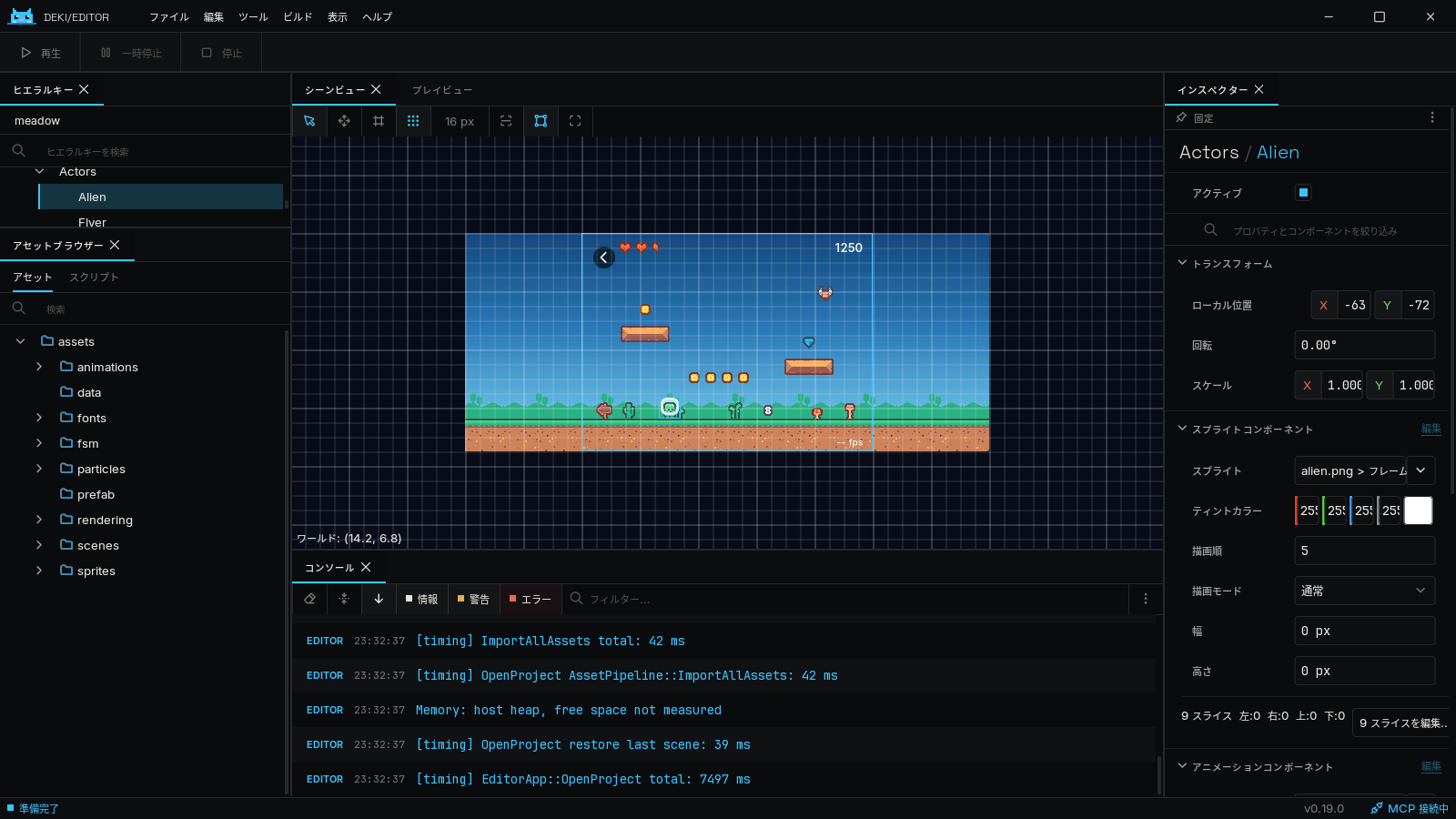
Deki 0.19 speaks four languages: English, Japanese, Simplified Chinese and Korean. Pick one in Edit > Editor Settings > Language, or from the project list, and the editor switches at once, with no restart.
What changes
Everything you read while you work: menus, panels, dialogs and messages, the Inspector’s component and property names, tooltips and options, the Add Component picker, the Create menu, and the names of what Undo and Redo will do. Logs stay in English, so an error can be searched for and shared as it is.
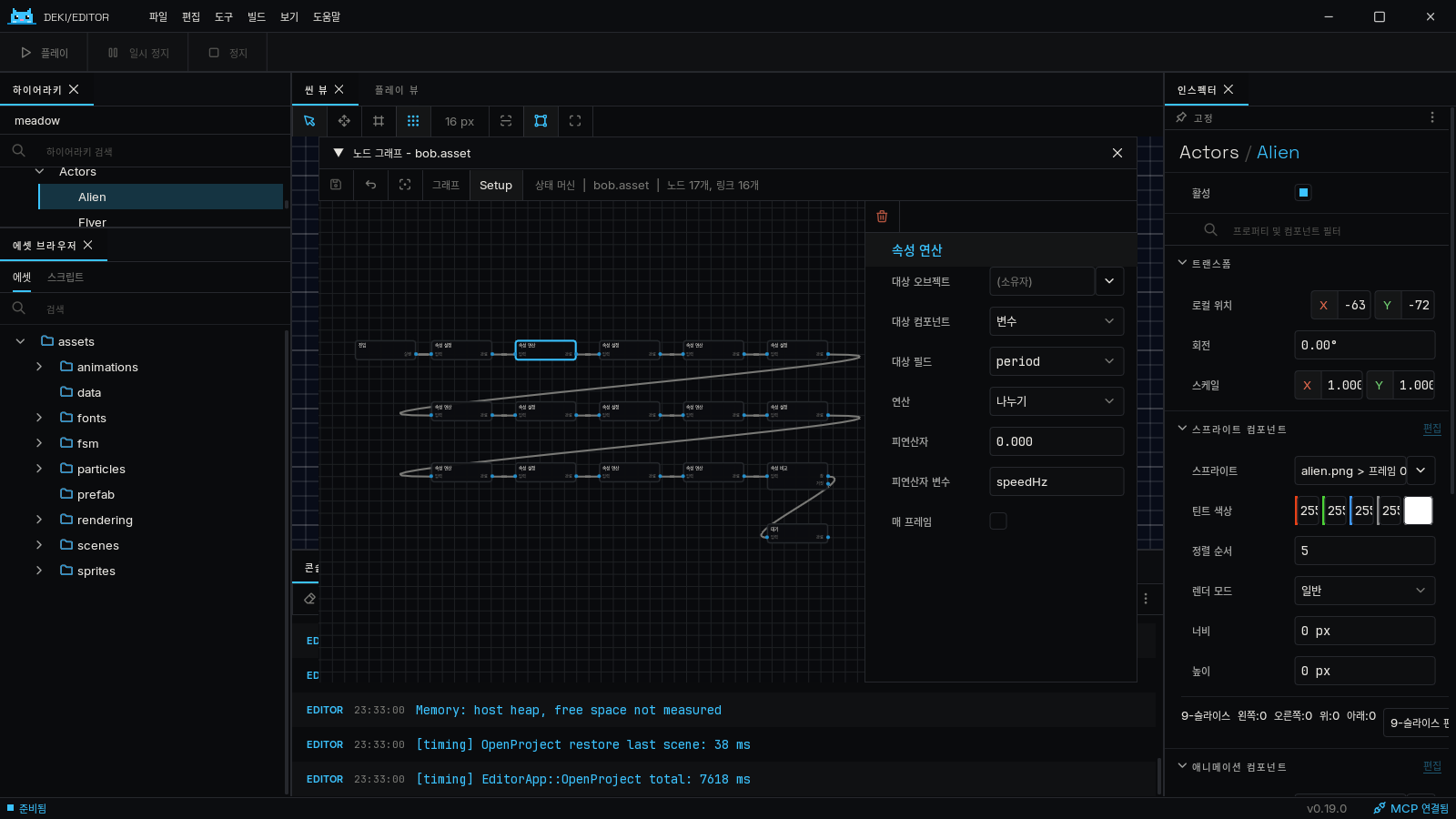
The editor ships with Noto Sans JP, SC and KR. File and project names show in any language, so a Japanese file name reads fine in the English editor, and the characters the three languages share take the shapes of the one you picked.
Packages translate themselves
Each package carries its own translation, in editor/lang/<language>.json,
and its words win for its own components. Two packages can translate the same
English word differently: the state machine’s arithmetic “Add” and the
editor’s “Add” button are different words in Japanese, and now they are
shown that way. All 29 packages are translated, and a package of your own
can be too: how.
The website and the docs too
This site has a language menu in the top bar, and so does thedocumentation: every page, each package’s own site, and the editor guides, which are on the docs site for the first time. Component descriptions and tooltips in the docs use the same words as the editor. The C++ API reference stays in English.
A note on the translations
I don’t speak Japanese, Chinese or Korean. The translations were made with AI, and some wording will be off. If something reads strangely, tell me onDiscord or in aGitHub issue, and I’ll fix it.
Updating
0.19.0 changes the component metadata, so packages are rebuilt for it: open
your project in the new editor and update its packages from the Package
Manager, or run DekiEditor --packages-update all <project>. The full list
is in the changelog.Download the editor here.