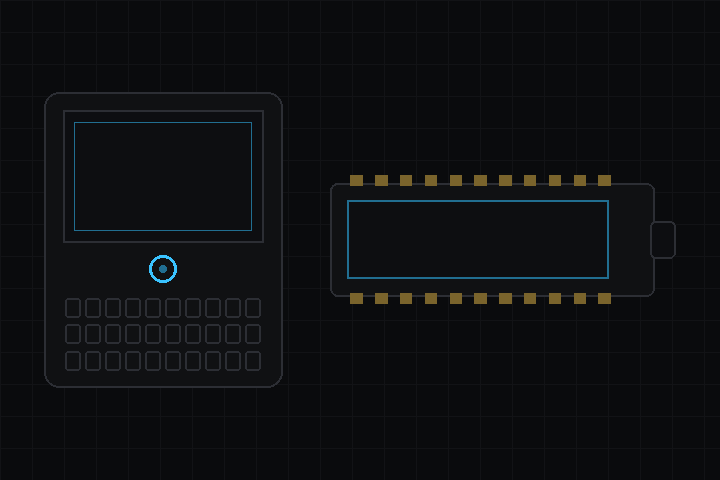
A board is a package. This one has no code: for each board, a description of the hardware (chip, flash, PSRAM, screen size) and a boot scene that powers the panel and brings up the display, touch and the board’s other controls. Install it and the boards appear in the editor’s target list.
| Board | Display | Input | Storage | Radio |
|---|---|---|---|---|
| T-Deck Plus | 320x240 ST7789, SPI | GT911 touch, keyboard with backlight, trackball | SD card | GPS, SX1262 LoRa |
| T-Display S3 AMOLED 1.91" | 536x240 RM67162 AMOLED, QSPI | CST816T touch |
The keyboard arrives through deki-input like a desktop keyboard’s keys: a game reads Keys::Up the same way on both. The trackball is a pointer that glides like a ThinkPad TrackPoint, and its click is a mouse click, so a scene built for touch works with it. The GPS finds its own speed (the T-Deck Plus ships with an L76K or a u-blox M10), and the LoRa radio is set for Europe’s 868 MHz rules; change that in your copy for another region.
On the T-Deck Plus a frame goes to the display at 80 MHz from the chip’s second core while the next one is drawn, so the demo’s scenes run at 60 fps.
Choosing a board copies it into your project, where it is yours to edit. When the package improves a board, the editor offers the update and keeps your changes; you can also go back to the package’s version.
Both targets build with ESP-IDF. The T-Deck Plus runs on hardware; the T-Display S3 AMOLED has not been run on one yet. Pins, boot order and sources are in the README.